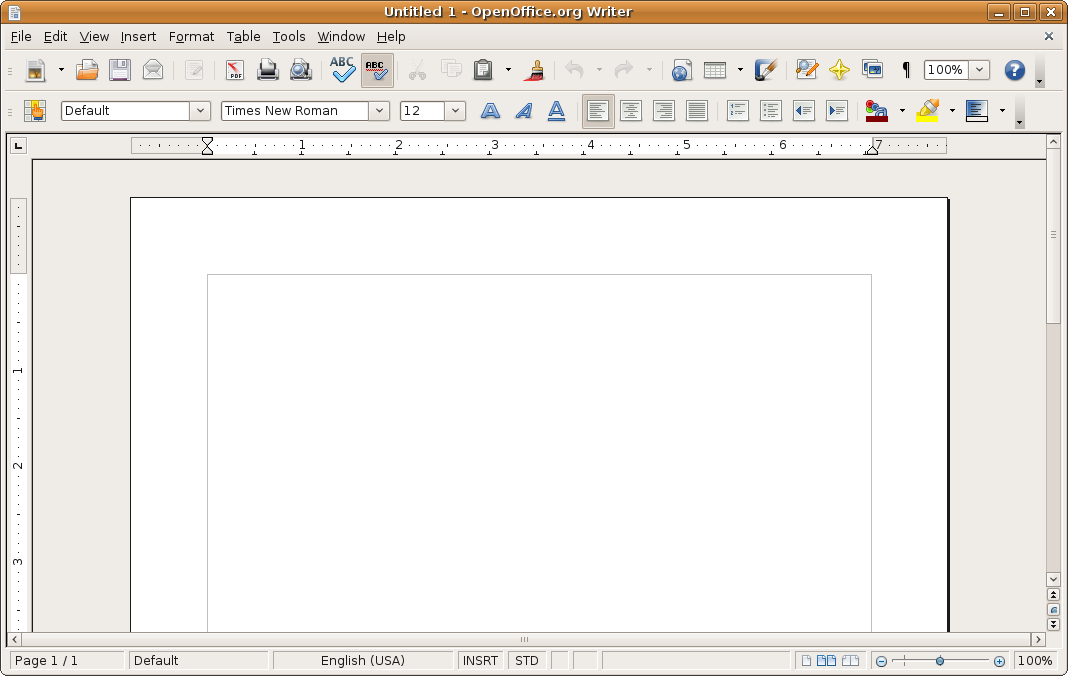
 The Open Office Writer is similar to Microsoft Word in many features, it may be lacking some functions but it still gets the job done (Hey, anything is better than Notepad). It is a simply designed word processor that meets the needs of students and workers with a low learning curve to use.

In addition, for those presentations, Open Office also has a program called Open Office Impress that acts similar to Microsoft Powerpoint. Like the Writer it has a simple design, low learning curve, and contains all the functions one may need. It is a perfect tool for students to create presentations, teachers to create lecture notes, or business people to create slideshows.
These are only two of the many programs contained in the Open Office suite. It also includes Open Office Math for those math equations and symbols, Open Office Draw for pictures and diagrams, Open Office Calc for data plotting (similar to Microsoft Excel), and Open Office Base to manage databases at your finger tips. If you are looking for a free program that does it all, I suggest you head towards the Open Office website and get your free suite today!
References
N.A. (n.d). Apache OpenOffice. Retrived from http://www.openoffice.org/

I learned about the open source software, Open Office. It has similar functionality to Microsoft Word except you do not have to pay to use the software. It might not have the bells and whistles that Microsoft Word does but it will get the job done. I feel like you could have included how the usage of Open Office compares to Microsoft Office. It would be useful because it would show off how an open source community could compete with a company like Microsoft. I think this blog is a technical blog mainly because you do not share your opinions on it. You mainly lists the features and functionality of Open Office rather than your view on it.
ReplyDelete